While many businesses start spring cleaning with closets, the real clutter often hides beyond coat racks.
It could be jammed inside server racks, stacked in storage rooms, tucked away in back offices, or even piled under labels like "handle later."
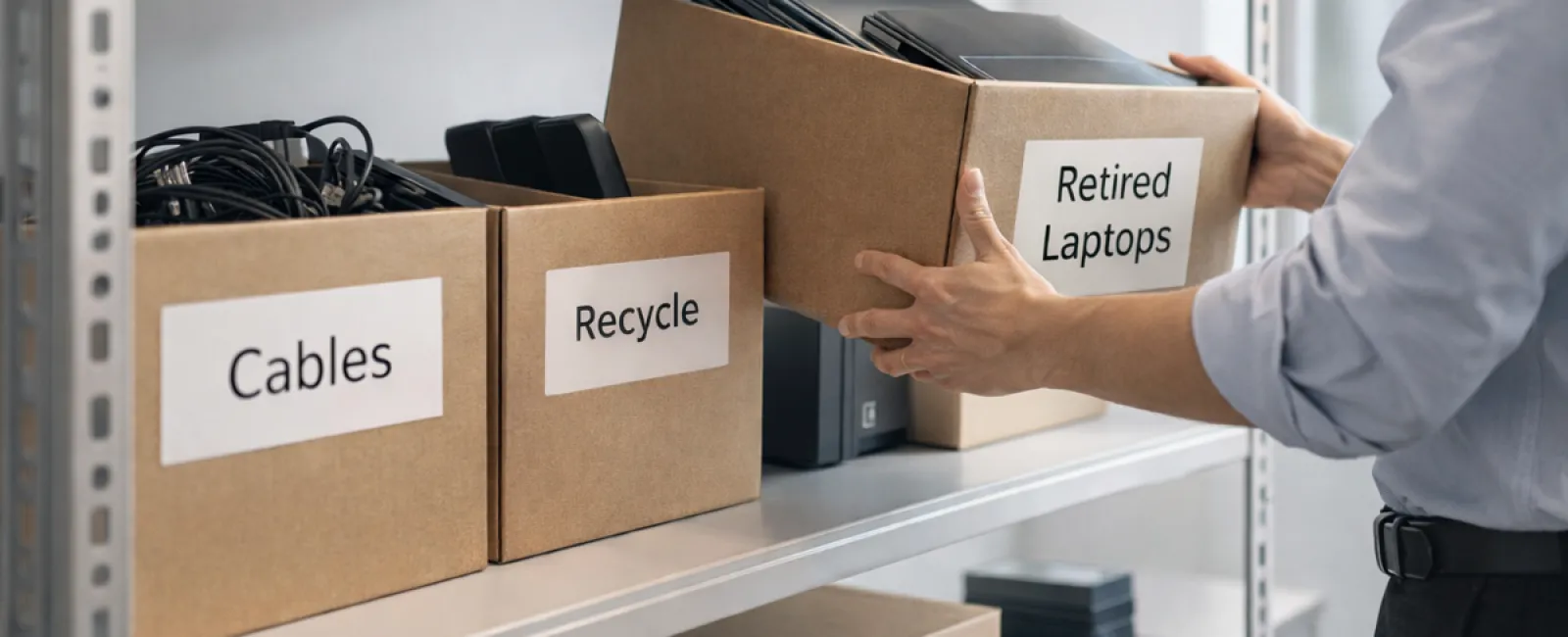
Old laptops, obsolete printers, backup drives from multiple upgrades ago, boxes of cables kept "just in case" — every business collects these over time.
The key isn't whether you have this tech clutter, but how you plan to manage it moving forward.
Technology Follows a Lifecycle — Beyond Just the Purchase Date
New equipment is usually bought for clear reasons: improved speed, enhanced security, greater capabilities, or growth support.
Most companies thoughtfully plan their technology purchases, yet far fewer map out how to retire old tech responsibly.
Retiring equipment often happens quietly — a device is swapped out, set aside, then months later someone decides to clear that clutter.
This is typical.
But intentionally managing technology retirement with the same care as acquisition is much rarer.
Old equipment still holds value — whether reusable parts, recyclable materials, or sensitive data requiring secure handling. Left unchecked, it just becomes dead weight.
Spring offers an ideal moment to pause and ask: which devices still add value, and which just consume space?
A Clear Method for Streamlining Your Tech Assets
To move beyond vague intentions, adopt this straightforward four-step strategy.
Step 1: Take Stock
Identify exactly which equipment is slated for retirement — laptops, phones, printers, networking hardware, external drives. You can't manage what you don't know you have; a quick walkthrough often uncovers more than anticipated.
Step 2: Choose the Right Path
Devices typically fall into reuse (internal redeployment or donation), recycling (via certified e-waste programs), or destruction (when data protection demands). The critical part is making conscious decisions to avoid creating an indefinite hardware limbo.
Step 3: Prepare with Precision
Discipline here is crucial.
For reuse or donation, remove devices from your management systems, revoke user access, and ensure data is securely wiped—not just factory reset. Deleting files or quick formatting only hides data from casual view.
Research from data security firm Blancco revealed 42% of resold drives on eBay still contained sensitive information despite sellers' claims of wiping. Certified erasure tools overwrite every sector and provide verification reports for added assurance.
If recycling, always engage certified e-waste providers rather than discarding devices in the trash or curbside bins. Note: popular programs like Best Buy's only serve residential customers, not businesses.
Commercial entities need certified IT asset disposition (ITAD) companies or specialized business recyclers. Seek providers with e-Stewards or R2 certifications (directories at e-stewards.org and sustainableelectronics.org), or ask your IT partner to coordinate.
For device destruction, opt for certified data wiping or physical methods like shredding or degaussing, always documenting serial numbers, techniques, dates, and handlers.
This isn't paranoia — it's closing the security loop responsibly.
Step 4: Record & Confirm
After equipment departs your premises, track where it went, verify handling procedures, and confirm access revocations. Recording this removes uncertainty and reinforces accountability.
Forgotten Devices That Matter
Laptops often get attention, but other tech can easily slip through the cracks.
Phones and tablets can still house email accounts, contacts, and authentication apps. Factory resets cover much, but certified mobile wipe solutions deliver full security. Major manufacturers like Apple and Samsung offer trade-in programs—even for aged models—potentially earning you credit towards new gear.
Modern printers and copiers often contain internal hard drives storing records of every document printed, scanned, copied, or faxed. If returning leased machines, get written confirmation the hard drive will be wiped or removed before redeployment.
Batteries are classified as hazardous waste by the EPA, and certain states (California, New York, Minnesota) make disposing rechargeable batteries in regular trash illegal for businesses. Remove batteries when possible, tape terminals to prevent shorts, and use certified drop-off sites. Visit Call2Recycle.org for locations. Retailers like Staples, Home Depot, and Lowe's also accept rechargeable batteries at many stores.
External drives and retired servers often linger in closets beyond planned timelines. While not always problematic, they deserve the same thorough retirement process as other technology.
Recycling Right Matters
Earth Day in April reminds us to act responsibly.
Electronic waste should never end up in landfills. Over 62 million metric tons of e-waste are generated yearly worldwide, yet only 22% is properly recycled. Batteries, monitors, and circuit boards require special handling through certified e-waste programs offered by most communities.
Handled correctly, retiring technology becomes an operationally efficient, eco-friendly, and strategic process that doesn't force you to choose between security and responsibility — you can have both.
Plus, it's a great way to demonstrate corporate responsibility on social media without overhyping your efforts. Customers notice when a business acts properly and quietly.
The Wider Advantage
Spring cleaning isn't just about discarding—it's about creating room for growth.
Removing obsolete equipment is one piece. As you evaluate hardware, consider the bigger questions: Is your technology truly empowering your business model?
Hardware is transient; software, automation, systems, and process design drive real productivity and profitability today.
Efficiently retiring old gear is smart housekeeping; ensuring your technology strategy aligns with your vision keeps you advancing.
How We Support You
If you already have an effective equipment retirement system, that's excellent — it should feel seamless and routine.
But when replacing old hardware responsibly, it's a good moment to reassess the bigger picture: are your systems optimized, tools integrated, and technology propelling growth rather than just keeping things running?
We'd be glad to help you take a step back and evaluate how your technology stack, systems, and processes boost productivity and profitability.
No equipment lists. No pressure. Just a straightforward chat about making technology work smarter for your company.
Click here or give us a call at 978-664-1680 to schedule your free 15-Minute Discovery Call.
If you know another business owner who'd find this useful, please share.
Spring cleaning shouldn't stop at closets — it includes the systems that power your business.