Spring break often gets tagged unfairly.
College students. Risky choices. Memories starting with "we didn't think this through..."
However, adults also stumble during spring break—only their mistakes tend to be quieter and linked to technology.
While trying to enjoy family time, work still creeps in. You rush tasks, juggle multiple demands, promising yourself, "I'll handle this quickly."
That's exactly where issues arise.
Here are the top tech pitfalls to avoid on vacation — so you don't return with unwanted surprises.
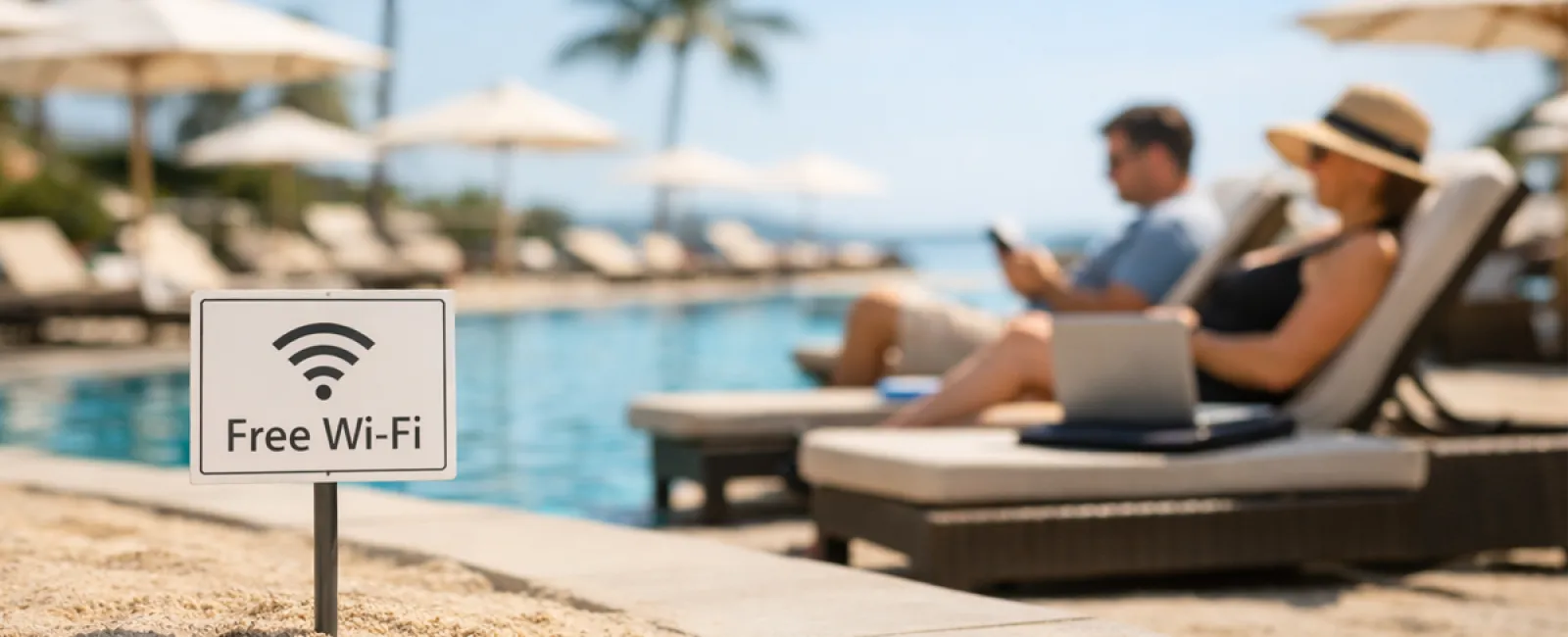
The "Free Wi-Fi Trap"
Hotels, cafes, airports—all offer Wi-Fi, and you connect on impulse to send a quick email before breakfast ends.
· Danger: Phony networks named "HOTEL_GUEST_FREE" may be set up by hackers nearby, capturing your logins, passwords, and banking details.
· Solution: Use your phone's hotspot for sensitive tasks. When using public Wi-Fi, always verify the network name directly with the staff.
The "March Madness Streaming Trap"
The tournament is live. The lobby is playing golf. So you Google "free March Madness stream" and pick the first seemingly legit link.
Multiple pop-ups appear; something downloads unnoticed. But hey—the game starts!
· Danger: Malware, browser hijacking, and fake sites pretending to be ESPN.
· Solution: Stick with official streaming apps. If the website URL looks suspicious, close it immediately.
The "Sure, Use My Phone" Dilemma
Your child is bored, and your phone has games. You hand it over to keep them entertained.
Forty-five minutes later, they've installed multiple apps, accepted every permission, and signed up for sketchy services like "RobuxFreeForever."
· Danger: Risky app permissions, accounts linked to your email, and surprise in-app charges later.
· Solution: Provide a dedicated tablet for your child's entertainment that's separate from your work and financial apps.
The "Just One Quick Login" Spiral
One email leads to checking the CRM, then accounting software, client portals, and Slack—all on unsecured hotel Wi-Fi—while your family waits.
· Danger: Every login is a chance for hackers on the network to steal your credentials, especially when you're rushed.
· Solution: Use your own hotspot for work, or better yet, ask if it can really wait until after your trip.
The "I'm in Cabo!" Overshare
Posting a beach photo with a location tag and dates like "Here until the 15th! 🌴"
· Danger: Publicly announcing your home is empty and you're miles away.
· Solution: Share vacation photos after you return—your beach memories will still shine then.
The "My Phone's at 3%" Panic
Spotting a USB port at the airport, you plug in while your phone's dying.
· Danger: Juice jacking—compromised charging stations that can access your data while charging.
· Solution: Carry a portable charger with your own cable and power adapter.
The "Vacation Password" Mistake
Creating quick passwords like "Beach2026!" for resort Wi-Fi, then reusing them across multiple accounts.
· Danger: If one account is breached, all become vulnerable.
· Solution: Utilize a password manager to create unique, random passwords especially for temporary accounts.
Key Takeaway
These slip-ups don't stem from carelessness but from feeling rushed and distracted trying to shift into vacation mode.
That's completely normal.
Your goal? Minimize those "uh-oh" moments after your trip.
Planning Your Spring Break?
If your business already embraces strong travel security habits, relax and enjoy your trip.
If any of these sound familiar, a brief, no-pressure 15-Minute Discovery Call could help you safeguard your vacation.
No scare tactics. Just straightforward advice to keep your trip relaxing.
Not for you? Share with someone who might benefit from smarter spring break tech habits.
Click here or give us a call at 978-664-1680 to schedule your free 15-Minute Discovery Call.